How to tell if an image is AI-generated in 2026 (without guessing)
Modern AI images nail the hands and the text, so “does it look fake?” no longer works. Here’s how to check any image the honest way — by reading the provenance evidence it carries, and saying “inconclusive” when there’s none.
By The Aipurity Team · July 15, 2026
Key takeaways
- In 2026, “does it look fake?” fails — leading models render hands, text and reflections correctly. Squinting is a losing method.
- Pixel-only “% AI” detectors collapse on real-world images; never trust a confident percentage with no evidence behind it.
- What works is provenance: C2PA Content Credentials, Stable Diffusion/ComfyUI chunks, XMP “trainedAlgorithmicMedia”, and the EXIF trail.
- A stripped file (screenshot, social re-upload) returns an honest “inconclusive” — not “human.” Trace the earliest source instead.
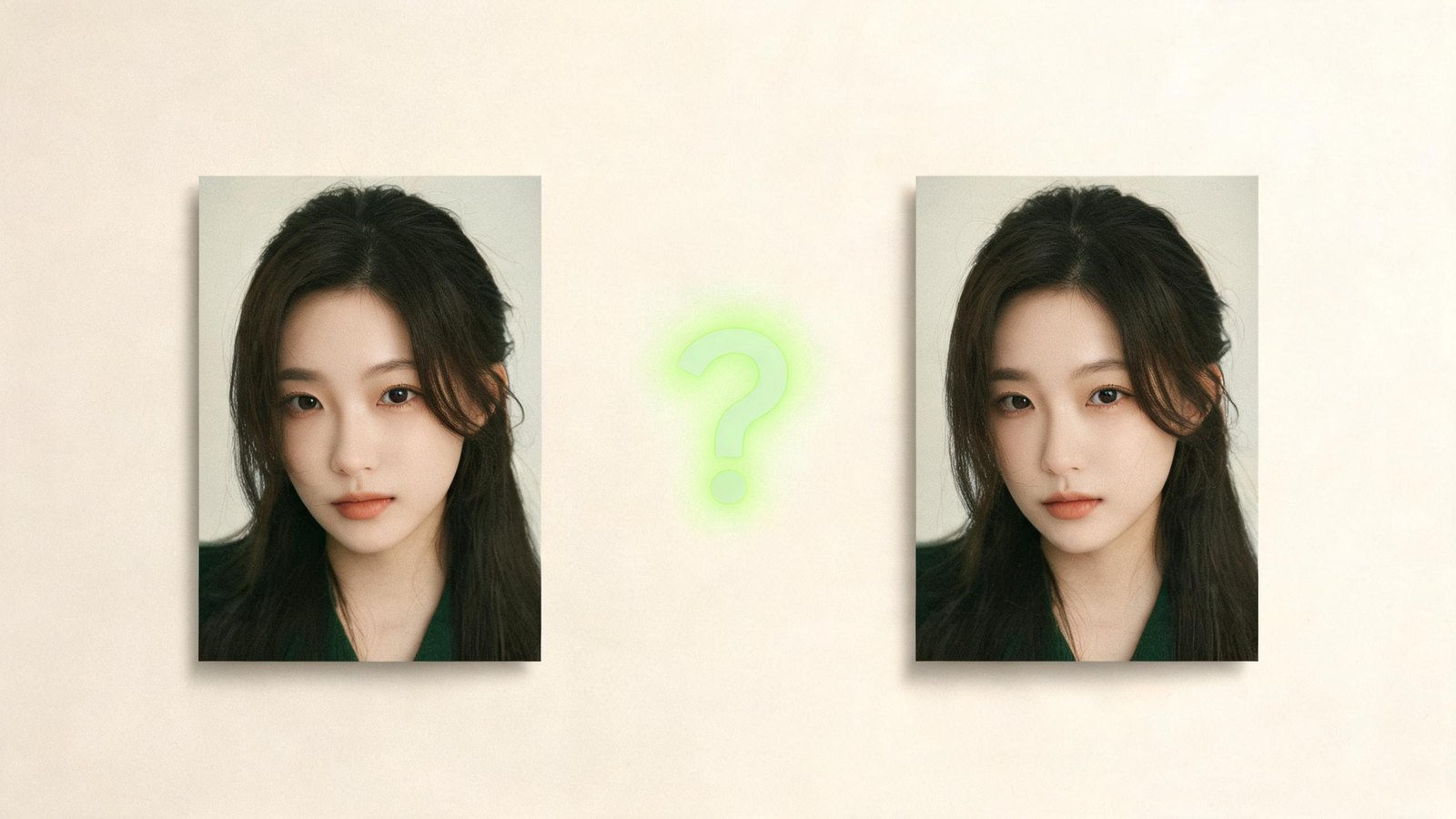
For two years, the advice for spotting an AI image was the same: count the fingers, read the text on the sign, look for melted jewelry. In 2026, that advice is a trap. The current generation of models — Midjourney, Firefly, the latest DALL·E and Imagen — render five-fingered hands, legible signage and coherent reflections most of the time. The tells that felt reliable in 2023 now catch the cheap, old or careless fakes and wave the good ones straight through. If your method for answering “is this image AI?” is squinting at it, you’re already losing to a model built to beat exactly that squint.
So the useful question isn’t “does it look fake?” — it’s “what can this file actually prove about where it came from?” That shift, from guessing at pixels to reading evidence, is the only approach that holds up as the models keep improving. This guide walks through how to check any image honestly: what evidence to look for, how to find it, when to trust it, and — the part most tools hide — when the only correct answer is “inconclusive.”
Why pixel-only detectors collapse in the wild
You’ll find dozens of sites that promise to settle it: upload an image, get back “93% AI.” Treat that number as decoration, not evidence. Peer-reviewed benchmarks keep showing the same thing — detectors that score beautifully in the lab fall apart on images they weren’t trained against. The RAID benchmark (arXiv 2506.03988) evaluated so-called robust detectors across unseen generators and watched accuracy slide toward a coin flip the moment the test images came from a model outside the training set. A separate line of work on the deployment gap finds the same collapse when lab detectors meet the messy, re-compressed, screenshotted images that actually circulate online.
The problem is structural, not a bug someone patches next quarter. Every new generator is, in effect, trained to erase the statistical fingerprint the last detector learned to spot. It’s an arms race, and the detector side is permanently one model behind. Which is why the single most important rule here is this: do not trust any tool that hands you a confident percentage with no evidence behind it. A number you can’t verify is a guess wearing a lab coat.
The one rule that saves you
If a detector says “87% AI” and can’t show you why — which bytes, which manifest, which metadata field — it’s guessing. A verifiable “inconclusive” is worth more than an unverifiable percentage.
What actually works: reading provenance
The reliable signal isn’t in the pixels — it’s in the file around them. Modern generators, cameras and editors increasingly write machine-readable records of what made an image and how it changed. Provenance is the umbrella term, and four kinds of evidence carry most of the weight:
- C2PA Content Credentials — a cryptographically signed manifest tucked inside the file that records who made it, with what tool, and how it was edited. Adobe Firefly and Photoshop, OpenAI’s DALL·E, and Google’s Imagen and Gemini exports attach it; Leica and Sony cameras sign real photos the same way. Signed means verifiable — a tampered or stripped manifest fails validation instead of lying.
- Stable Diffusion & ComfyUI parameter chunks — local, open-source generators write their whole recipe into a PNG’s text chunks: the prompt, model hash, sampler, seed and step count. Automatic1111, ComfyUI, SDXL, InvokeAI and NovelAI do it by default. When those chunks survive, the image has effectively confessed.
- XMP / IPTC digitalSourceType — a standard metadata field whose value “trainedAlgorithmicMedia” is the industry’s official machine-readable label for “made by generative AI.” Firefly, DALL·E, Recraft, Leonardo and others stamp it. It’s a plain string: easy to read, hard to fake convincingly.
- The EXIF capture trail — the block a real camera writes: lens, exposure, ISO, timestamp, sometimes GPS. Its presence weakly supports a genuine capture, and a coherent trail is hard to forge. Its absence proves nothing on its own, because platforms strip EXIF as a matter of routine.
How to check any image, step by step
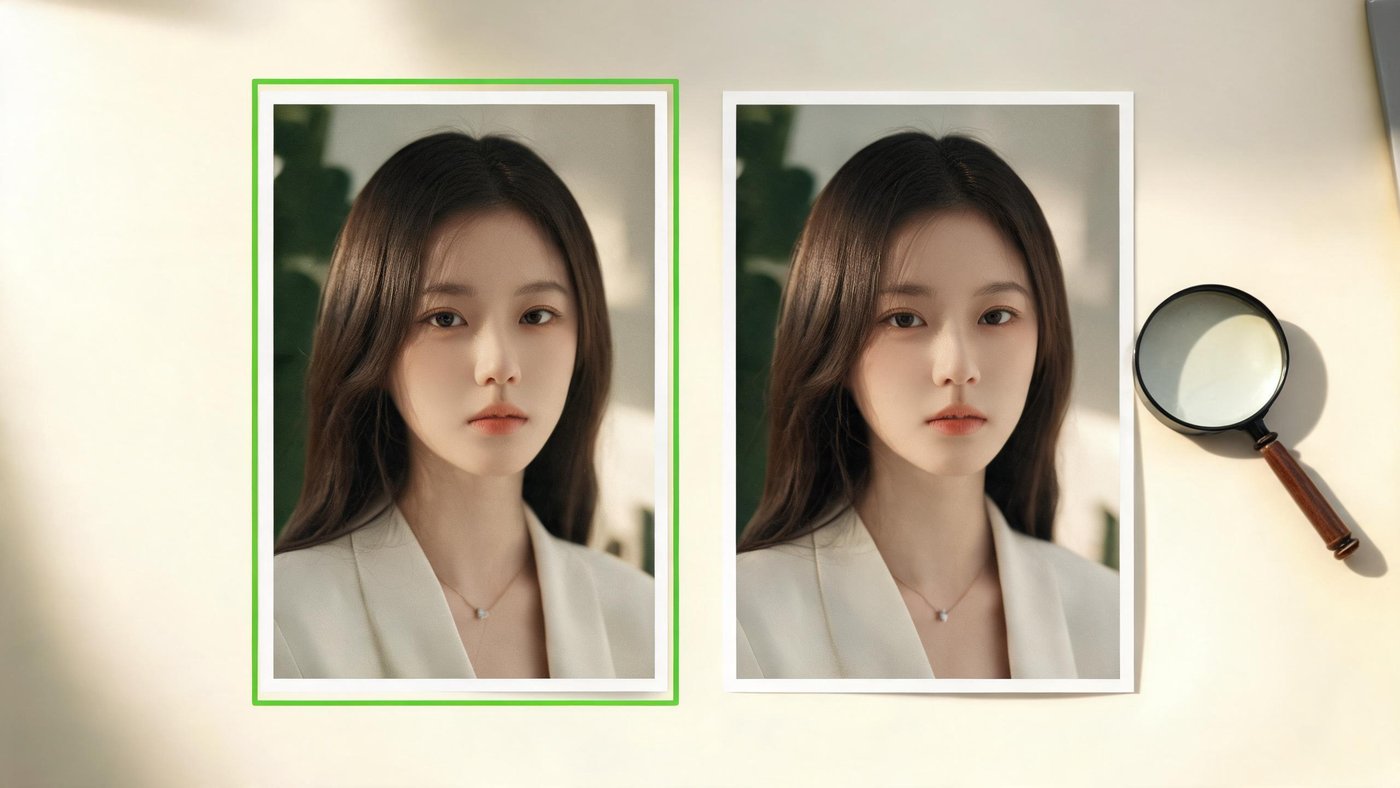
Here’s a process that works on a screenshot from a group chat, a marketplace listing, or a photo in your news feed. Do them in order, and stop as soon as you have real evidence.
- 01Reverse-image search for the earliest source. Drop the image into Google Lens, TinEye or Bing Visual Search and sort by date. The oldest posting often tells you more than any detector: a “photo” that first surfaced on an AI-art board, or a “breaking news” image with no source older than this morning, answers the question by itself.
- 02Inspect the metadata and Content Credentials. Look for a C2PA manifest (Adobe’s verify.contentauthenticity.org, or any reader that shows the signed manifest), PNG parameter chunks, an XMP digitalSourceType field, and the EXIF block. One clear generator marker ends the investigation on the spot.
- 03Run an evidence-based check on the actual file you received. Use a checker that reads provenance and shows its work, not one that spits out a bare percentage. Test the original file whenever you can get it — every re-save and re-upload strips more of the evidence.
- 04Weigh the manual visual tells last, as supporting evidence only. If the metadata is gone, a careful look at hands, text and reflections can still tip your judgment — but treat it as a hint, never as proof, and never let it overrule a signed manifest.
The visual tells still worth a glance (and why they keep fading)
Before any detector existed, your eyes were the only tool, and they still catch the occasional lazy fake. Just know that every one of these gets less reliable with each model release.
- Hands, teeth and fine repeats — extra fingers, fused teeth and duplicated jewelry were dead giveaways in 2023–24. Today’s leading models mostly get them right, so a clean hand proves nothing and only an obvious glitch means anything.
- Text and signage — warped or nonsense lettering in the background used to be automatic. Current models often nail short text now, though long paragraphs and dense signage still trip them up.
- Physics: reflections, shadows and liquids — mirrors that show the wrong scene, shadows that point the wrong way, water that moves oddly. Among the more durable tells, because physically consistent light is genuinely hard to synthesize.
- Texture that’s too perfect — waxy skin, hyper-smooth gradients and an unnatural absence of sensor noise hint at synthesis. But heavy beauty filters produce the same look on real photos, so it cuts both ways.
Notice the pattern: every tell on that list now carries a footnote, and the footnotes are winning. That’s exactly why visual inspection sits at the bottom of the checklist, not the top.
What verdict to expect, by generator
Different generators leave different evidence, which is why an honest check gives different answers depending on where an image came from and what it has been through since. Here’s the realistic map:
| Where the image came from | Typical evidence in the file | Honest verdict |
|---|---|---|
| Adobe Firefly, DALL·E or Imagen | C2PA Content Credentials on standard exports | Detected — a signed manifest names the maker |
| Stable Diffusion / ComfyUI (local) | Full prompt and model recipe in PNG chunks | Detected — the recipe is right there in the file |
| Firefly / Recraft / Leonardo exports | XMP digitalSourceType “trainedAlgorithmicMedia” | Detected — the official “made by AI” label |
| Midjourney web or Discord download | No reliable machine-readable marker | Inconclusive — honest, not a cop-out |
| Screenshot or social re-upload (any source) | Metadata stripped by the platform | Inconclusive — go trace the earliest file |
The two “inconclusive” rows are the honest part. A Midjourney download and a screenshot don’t come back “human” — they come back “no evidence either way,” which happens to be the truth.
Why “inconclusive” is the honest answer, not a failure
It’s tempting to read “inconclusive” as the tool giving up. It’s the opposite. Absence of evidence is not evidence of absence: a stripped file might be a real holiday photo that lost its metadata on WhatsApp, or an AI image that was screenshotted precisely to hide where it came from. Anything that turns that genuine uncertainty into a decisive-looking “91% real” is manufacturing confidence it hasn’t earned. Every honest detector has an inconclusive state; most just bury it under a percentage so the product feels smarter than the science allows. When you land on “inconclusive,” the move isn’t to trust the pixels — it’s to go back to step one and trace the source and context, which outlive metadata every time.
Provenance is about to become the default
This is why the ground is shifting toward evidence, and quickly. From 2 August 2026, Article 50 of the EU AI Act requires providers of generative-AI systems to mark their outputs in a machine-readable way, and requires anyone deploying a deepfake to disclose it — with fines large enough that the major labs are already complying. C2PA Content Credentials, backed by Adobe, OpenAI, Google, Microsoft and the big camera makers, is the leading way they’re doing it. In practice, the share of AI images arriving with verifiable provenance climbs month over month, while pixel-guessing keeps losing ground. Reading the marks a file carries isn’t just the honest method today — it’s the method that gets stronger as marking becomes law rather than courtesy.
So the next time an image makes you ask “is this image AI?”, don’t squint at it. Trace where it came from, read what the file admits, and let the evidence decide — including the evidence that there isn’t any. That last case has a name, and it isn’t “fake” or “real.” It’s “inconclusive” — and being willing to say it out loud is the whole difference between checking and guessing.
Read an image’s evidence in your browser — nothing uploaded, ever.Check an image free →Frequently asked questions
What is the most reliable way to check if an image is AI-generated?+
Read the provenance the file carries — a C2PA manifest, PNG parameter chunks, or an XMP digitalSourceType marker — rather than judging the pixels. Provenance evidence holds up as models improve; pixel-based detection does not. Reverse-image-searching for the earliest source is a strong second step.
Can AI-image detectors be trusted?+
Only the ones that show their evidence. Independent benchmarks show pixel-based classifiers fall toward a coin flip on images from generators they weren’t trained against. A tool that returns “87% AI” with nothing to verify is guessing; one that names the exact metadata or manifest it found is not.
Why did my obviously-AI image come back “inconclusive”?+
Its provenance was stripped — usually by a screenshot, a platform re-encode or an export. “Inconclusive” means the file no longer carries proof either way. It is not a claim that the image is real; go trace the earliest version you can find.
Can you tell a Midjourney image apart?+
Usually not from the file alone — Midjourney’s standard web and Discord downloads carry no reliable machine-readable marker, so an honest check returns “inconclusive.” Context and the earliest source are your evidence there.
Sources
Written by
The Aipurity Team
The Aipurity team builds free, provenance-first tools for telling real media from synthetic — reading the evidence a file actually carries instead of guessing at pixels. We write what we can prove, and say “inconclusive” when that’s the honest answer.